
Descripció
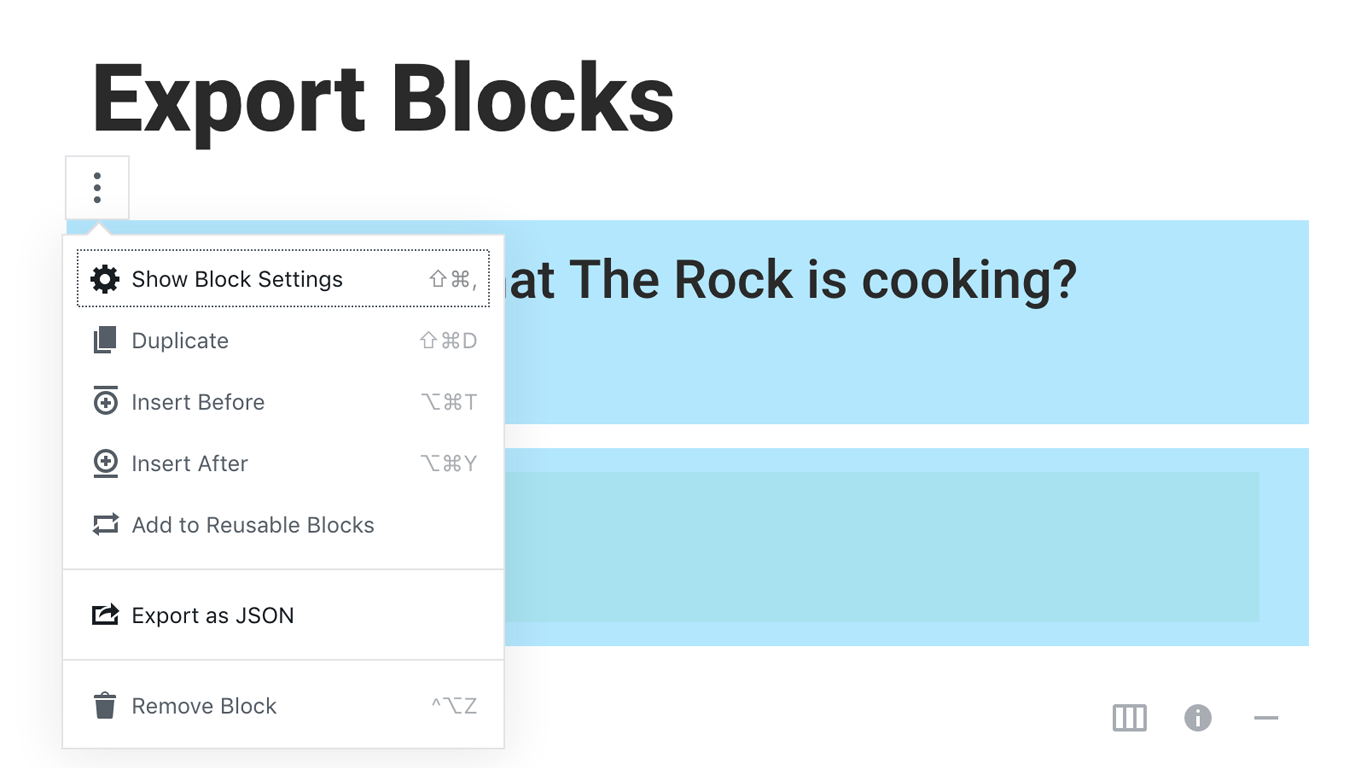
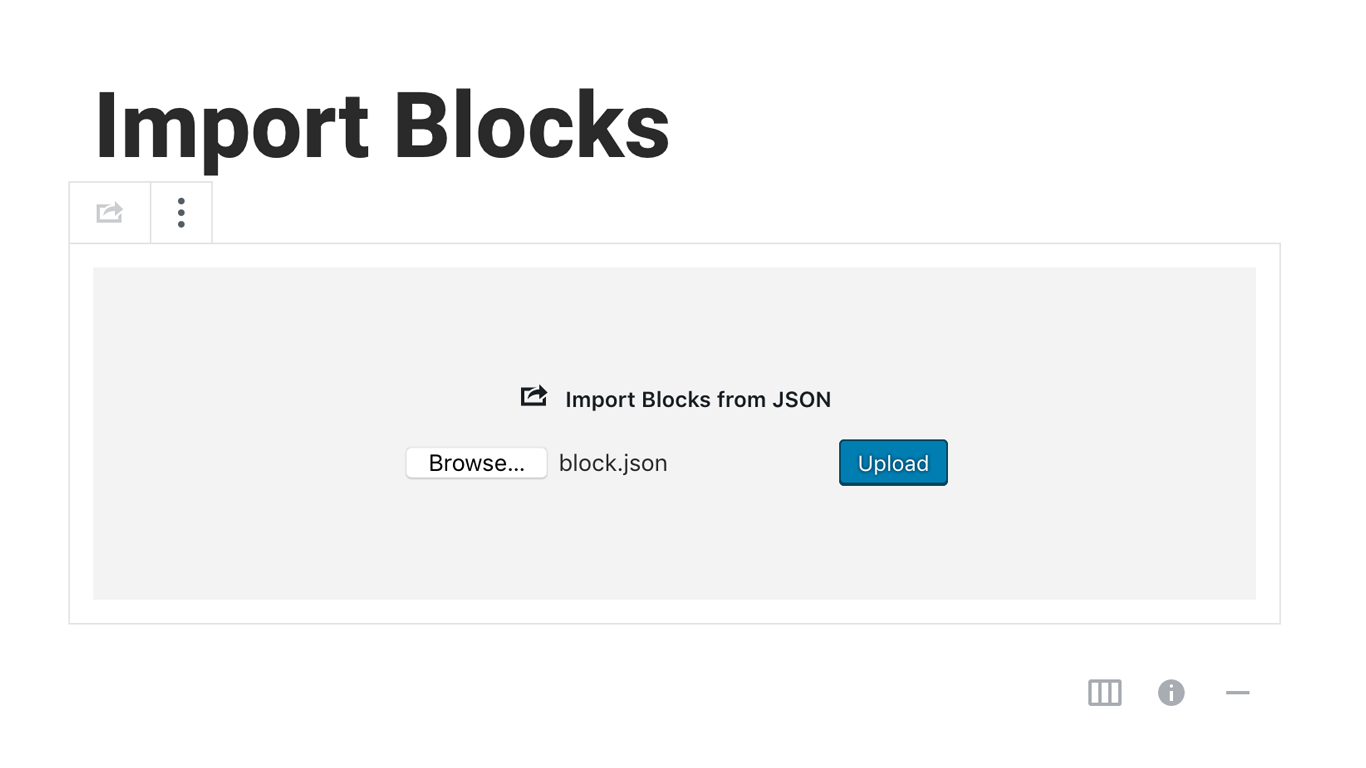
Blocks Export Import plugin allows you to import and export blocks as JSON in Gutenberg Block Editor.
All the code and sources for this plugin are publicly available as part of https://github.com/Codeinwp/otter-blocks.
Captures
Instal·lació
Activating this plugin is just like any other plugin. If you’ve uploaded the plugin package to your server already, skip to step 5 below:
- Install using the WordPress built-in Plugin installer, or Extract the zip file and drop the contents in the wp-content/plugins/ directory of your WordPress installation.
- Activate the plugin through the ‘Plugins’ menu in WordPress.
- Go to Gutenberg editor and play around with the block.

Col·laboradors i desenvolupadors
«Blocks Export Import – Backup & Move Gutenberg Blocks as JSON» és programari de codi obert. La següent gent ha col·laborat en aquesta extensió.
Col·laboradors

“Blocks Export Import – Backup & Move Gutenberg Blocks as JSON” s’ha traduït a 1 configuració regional. Gràcies als traductors per les seves aportacions.
Traduïu «Blocks Export Import – Backup & Move Gutenberg Blocks as JSON» a la vostra llengua.
Interessats en el desenvolupament?
Navegueu pel codi, baixeu-vos el repositori SVN, o subscriviu-vos al registre de desenvolupament per fisl de subscripció RSS.
Registre de canvis
You can check the changelog here.