

Descripció
Nimavo Chat adds the Nimavo live chat widget to your WordPress site. Connect your site with a Site Key from your Nimavo dashboard and start chatting with visitors in minutes.
This plugin is a free connector. The chat service runs on Nimavo. You need a Nimavo account to use the widget.
Features
- Live chat widget embedded on every public page
- Working hours and offline message support (configured in Nimavo)
- SMS follow-up links for returning conversations (Nimavo service)
- Per-site widget appearance overrides (color, shape, icon, animation, position)
- Optional WooCommerce integration: identify logged-in customers and show order stats to operators (with Secret Key)
WooCommerce (optional)
If WooCommerce is active and you add a Secret Key from Nimavo, logged-in customers can be identified securely in chat. Operators may see order count and total spent alongside the conversation.
External services
This plugin connects to Nimavo (https://nimavo.ir) to provide live chat functionality.
What is sent and when:
- Site Key — included in the widget script tag on public pages so the widget loads for your site.
- Widget script — browsers load
https://nimavo.ir/widget/v1.jsand communicate withhttps://nimavo.ir/api/widget. - Visitor chat data — messages and session data submitted through the widget are processed by Nimavo (subject to Nimavo terms and privacy policy).
- Logged-in user context (optional) — when a Secret Key is saved and a user is logged in, the plugin outputs a JSON block with: user ID, HMAC user hash, display name, email, phone (from user meta / WooCommerce billing), platform label, order count, and total spent. This helps operators recognize customers in chat.
Links:
- Service: https://nimavo.ir
- Terms / privacy: see https://nimavo.ir for current policies.
No data is sent to Nimavo until you configure a Site Key and publish pages with the widget.
Captures
Instal·lació
- Install and activate Nimavo Chat from the WordPress plugin directory, or upload the plugin ZIP via Plugins Add New Upload Plugin.
- Sign up at nimavo.ir and create a site in your Nimavo dashboard.
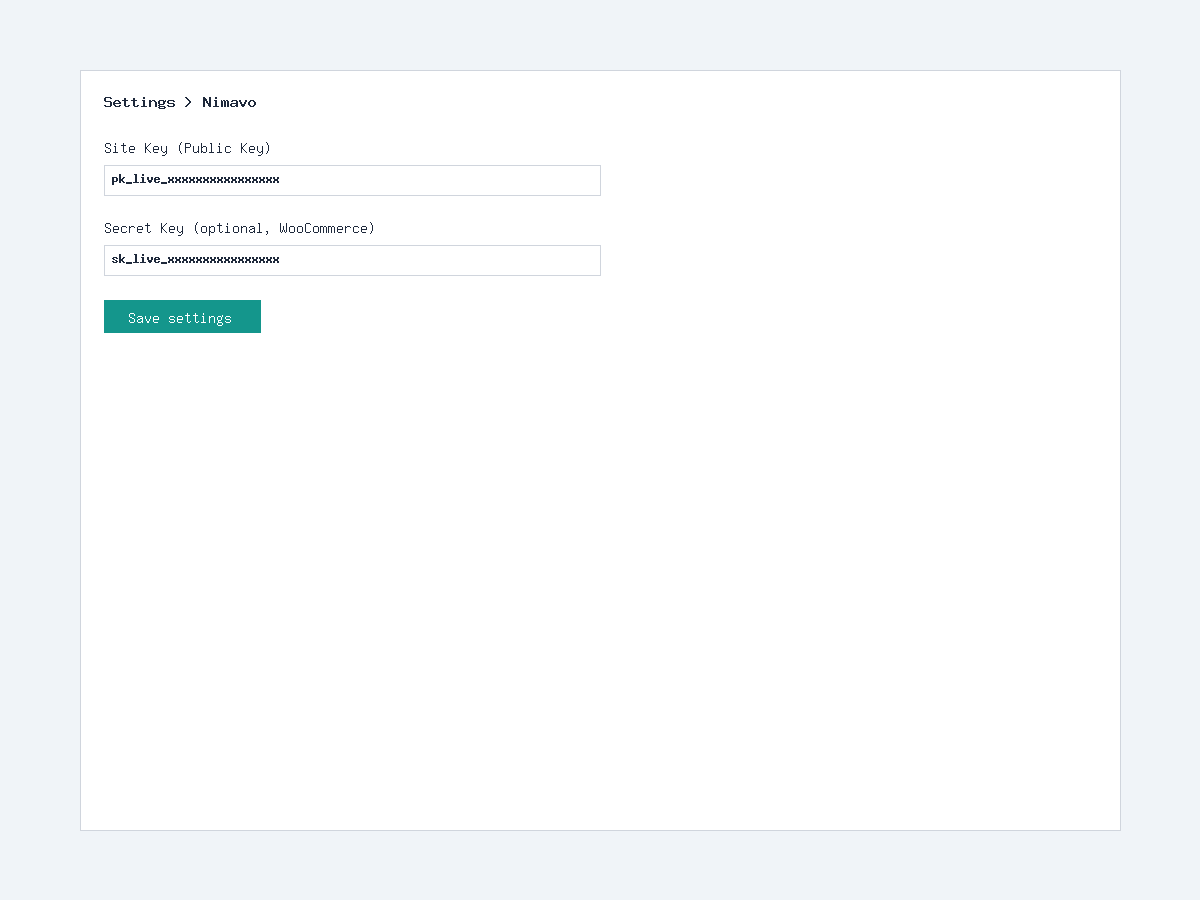
- Copy your Site Key (Public Key) from Nimavo Sites Install widget.
- In WordPress go to Settings Nimavo and paste the Site Key. Save.
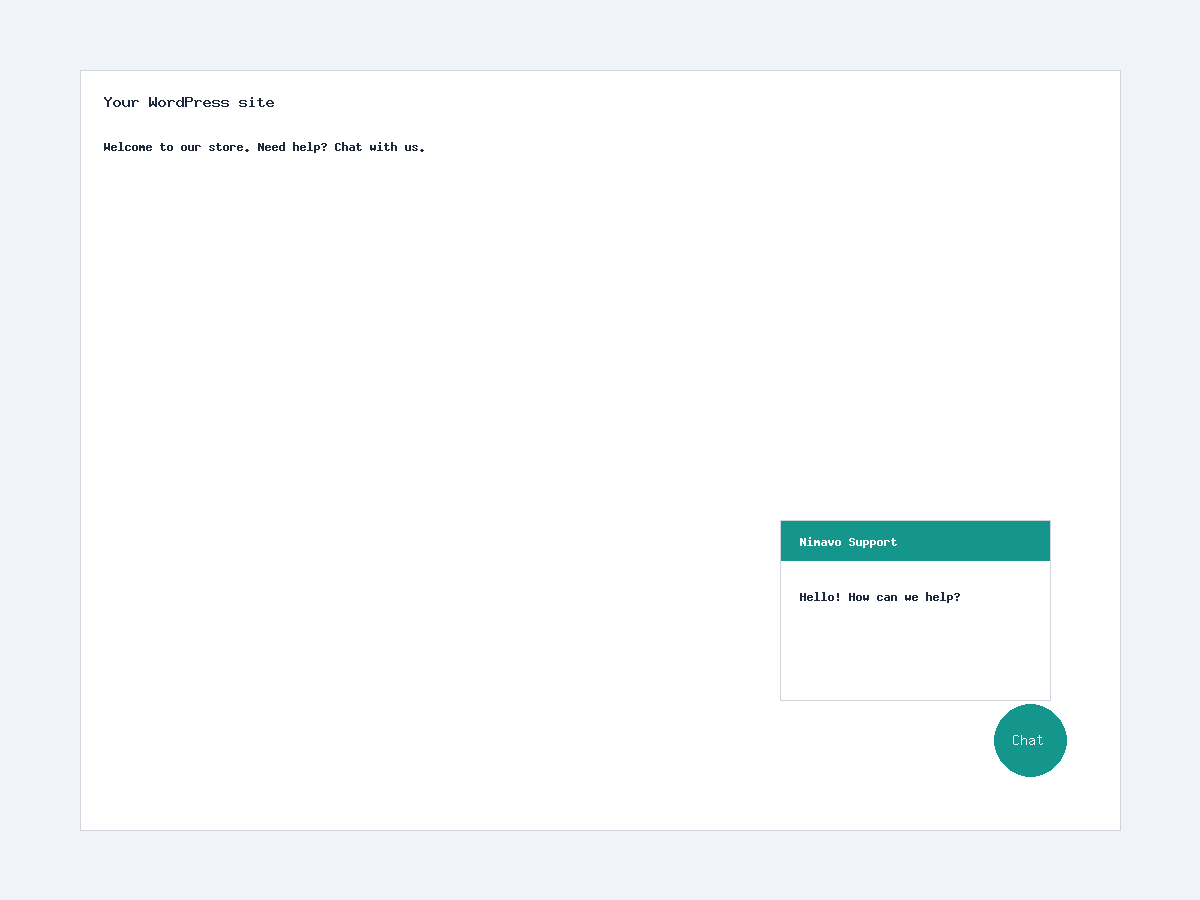
- Visit your site front end — the chat button should appear.
Optional: add Secret Key for logged-in user / WooCommerce identification.
PMF
-
Do I need a Nimavo account?
-
Yes. This plugin connects your WordPress site to the Nimavo chat service. Create a free account at nimavo.ir.
-
Is WooCommerce required?
-
No. The widget works on any WordPress site. WooCommerce features apply only when WooCommerce is installed and a Secret Key is configured.
-
What is the Secret Key for?
-
The Secret Key signs a secure context payload for logged-in users (HMAC). Without it, visitors can still chat anonymously; logged-in users are not automatically identified.
-
Where is widget appearance configured?
-
Default appearance comes from your Nimavo dashboard. Settings under Settings Nimavo override appearance for this WordPress site only.
-
Does this plugin store chat messages in WordPress?
-
No. Messages and conversations are stored on Nimavo servers, not in your WordPress database.
Ressenyes
No hi ha ressenyes per a aquesta extensió.
Col·laboradors i desenvolupadors
«Nimavo Chat» és programari de codi obert. La següent gent ha col·laborat en aquesta extensió.
Col·laboradors
Traduïu «Nimavo Chat» a la vostra llengua.
Interessats en el desenvolupament?
Navegueu pel codi, baixeu-vos el repositori SVN, o subscriviu-vos al registre de desenvolupament per fisl de subscripció RSS.
Registre de canvis
2.0.4
- WordPress.org release preparation: readme, license, uninstall cleanup
- Security: remove partial Site Key from WP_DEBUG HTML comment
2.0.3
- Verified context JSON for logged-in users / WooCommerce
- Widget script loading improvements
2.0.2
- Secret Key UX and admin copy updates
2.0.1
- Safer JSON encoding for verified context
2.0.0
- WooCommerce customer identification with Secret Key (HMAC)
- Order stats in operator context
1.3.0
- Working hours and offline messaging support via Nimavo service
- Widget appearance settings in WordPress admin
1.2.0
- Widget appearance options: color, shape, icon, animation, position